
-
-
When I try to import the dummy data, nothing happens. The progress bar appears and suddenly disappears … I try to do the modification on the wp-config.php does not work either. I don´t know what else I can do.
-
Hello,
Please download once again theme files from your Envato account. Update theme and then go to plugins. Disable Visual Composer from ftp. Go to your wp-content/plugins/ and rename the js_composer folder.
Try importing again the dummy data. After the process is done, go to your dashboard and reinstall Visual Composer once again.
Let us know how it will go.Best regards!
-
Hello,
Did the progress bar finished with 100% the import process? Some demos do not have many pages, so you may think there is more to import but that’s actually all there is. Did you check the “Import with attachments” box? If not, then the images would not be imported. The attachments consist of images only.
Please fill in the necessary information on your extra information fields of your profile data. So we can give it a closer look. What demo did you try to import?
Read this article for more information.
Best regards!
-
Hello,
I think there must be something wrong with WP. The progress bar finished correctly the process. I checked the Import with attachments and there aren´t any media. The theme that I want is “Minimal” but when I complete the importation I only see the Specular base theme.
I filled the necessary extra fields so you can give a closer look.
This is being very frustrating…
Regards.-
This reply was modified 9 years, 10 months ago by
 NereaYG.
-
This reply was modified 9 years, 10 months ago by
-
Hello,
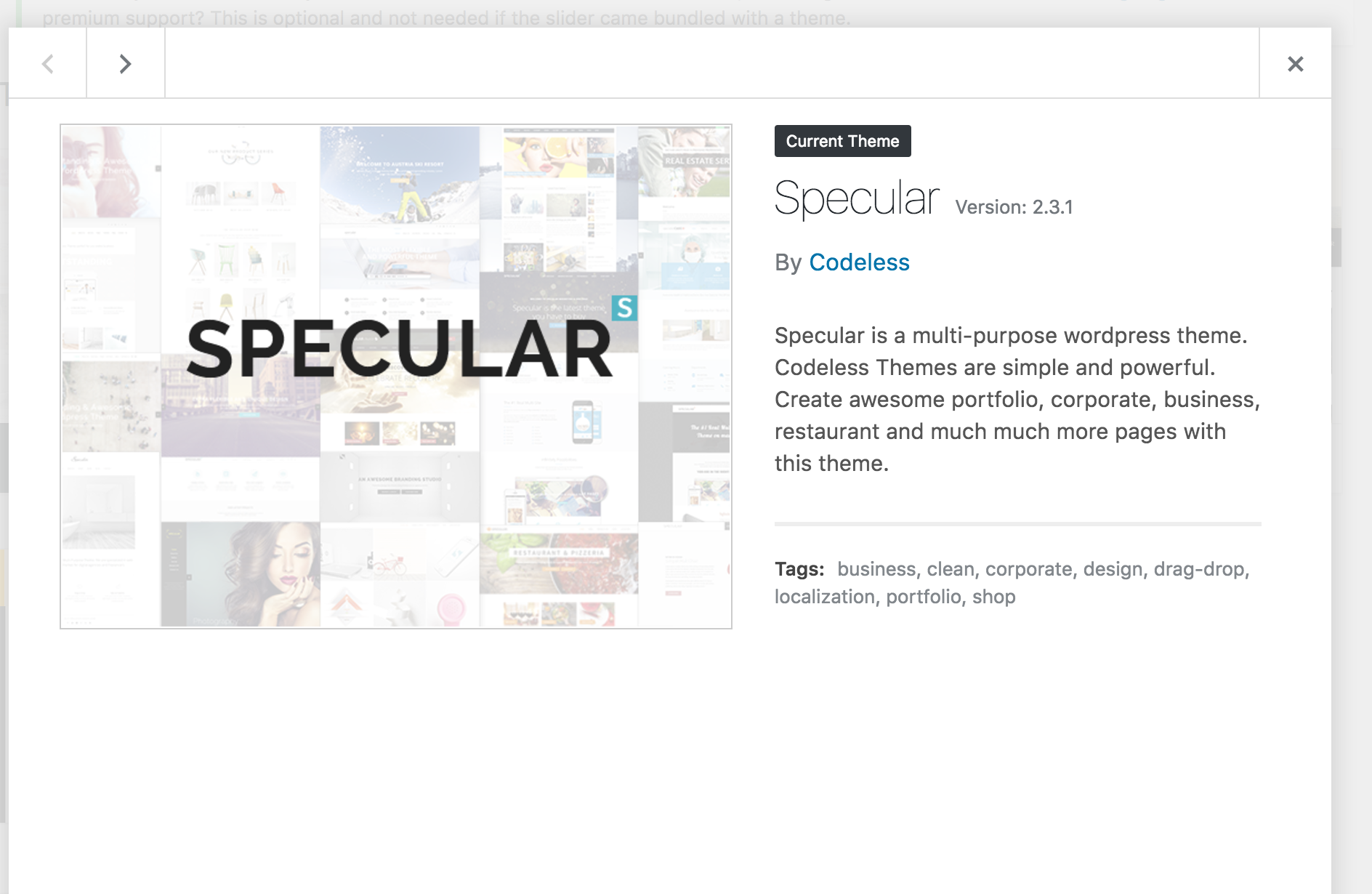
There is something wrong with the theme you have imported. It says that it’s false. See screenshot: https://www.clipular.com/c/5798933450457088.png?k=5oOT8PcI-216f0SPvTsQTY2A2YA
Please download the latest copy of theme files and import THAT to your Appearance > Themes. try making the dummy data import again.
Let us know if you need our help.Merry Christmas!
-
I think you are make me lose my time… I´m seriously starting to think that you are trying to cheat me… I´m trying the same thing over and over again, maybe you are trying to push me buying the “instalaltion of the theme” but really you are push me to change the theme for all the webs I´m designing…
Ah! There is nothing wrong with the theme imported. See my screenshot:
https://mora-mora.com/wp-content/uploads/2016/12/Captura-de-pantalla-2016-12-26-a-las-17.06.10.png
Thanks for nothing…
-
This reply was modified 9 years, 9 months ago by NereaYG.
-
This reply was modified 9 years, 9 months ago by
-
Hello,
We are sorry for your frustration. Please know that we have no intention of ‘cheating’. It’s not on our interest. I am happy to help whatever there is needed.
I only stated what i saw in your site. Did you make any changes on theme files for it to appear like that? What do you mean by “buying the installation of the theme”? If you have already bought theme, then that’s all it’s needed.
Please know that in case of multi-sites, you need to buy a licence for each site you plan on using theme.
I am glad to help you install the dummy data, but i need to verify the copy you are using is valid. Please understand our procedures as well.
Anyway, i tried accessing the site with the credentials provided but it’s impossible. Please see screenshot: https://www.clipular.com/c/5355709535617024.png?k=7KZDND9Utt84IsYOiaPsLH_L5IQ
Did you change them? Do you still want our help with it? Let us know so we can understand better the situation here and how you wish to proceed.Regards and Merry Christmas!
-
First of all, I buy a license for each new cliente and new project. Secondly, when I said “buying the installation of the theme” I mean this exactly, you can see it in Envato Market, they are selling this service. And no, thank you, I don´t need any more your help, I had consumed a lot of days waiting for you and I have had to solve it by my own in another way.
-
This reply was modified 9 years, 9 months ago by NereaYG.
-
This reply was modified 9 years, 9 months ago by
-





You must be logged in to reply to this topic.