Forum Replies Created
-
in reply to: Change “project” front-page
Hi,
1) Cursor color, for testing purposes I have filled the cursor with red color but you can add your own color from the style.css file where the previous customization had made. However, we don’t recommend this type of customization because it may harm your site beauty, we recommend you add an image on which the cursor is visible.
2) Blue line and calendar, done.
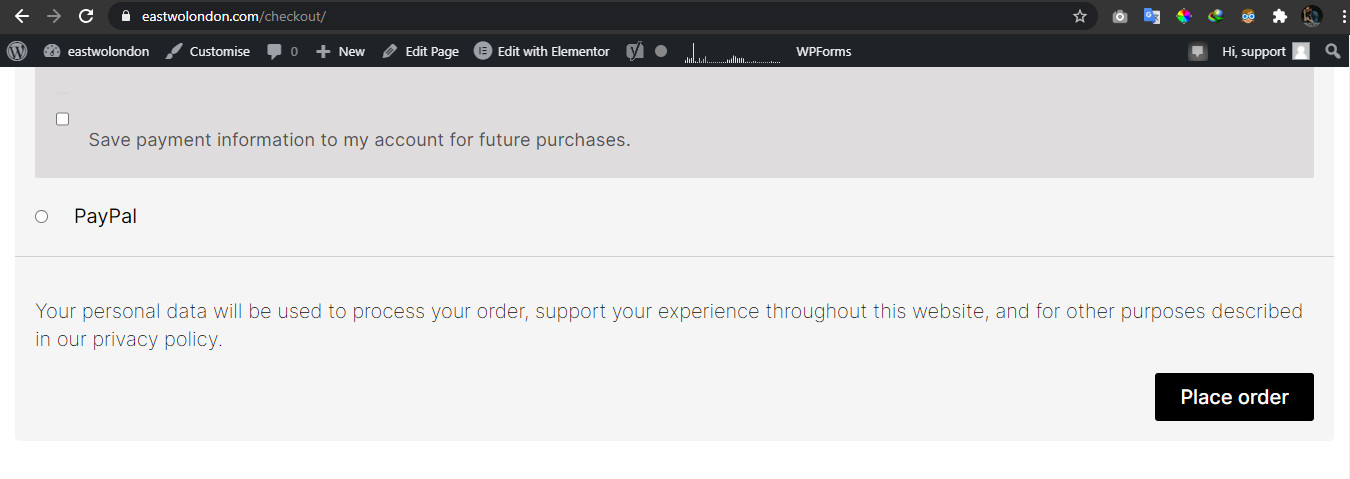
3) Place Order Button, send me your device resolution.
4) Cart and Checkout page, I’ve changed the layout to boxed but you can this layout through elementor plugin.Please check and advise
Thanks,in reply to: SVG on Service ElementHi,
Are you still working on your site?
Please advice.Thanks,
in reply to: Can t Customize/Edit the siteDear Sir/Mam,
I already highlighted your issues to dev. team, I just priortized your query.As I said, you will get an update today.
So, i will request you to keep patience.
Thanks,
in reply to: Change “project” front-pageHi,
1) Cursor color, you can change cursor color from customizer -> Styling -> Colors -> custom cursor color.
2) Color of the menu, you can change the color of the menu through edit Hudson header with elementor -> in style tab -> text color. I changed this color to grey but you can as you desire.
3) For the checkout page, the button looks all good on our end, see this image . Please double-check on your side, clear your browser cache, and if remain send me your device resolution.
4) Add basket next to search bar, if you want full working of cart icon then you have to buy elementor pro version because this widget is not available in simple elementor version.Please check and advise
Thanks,in reply to: Can t Customize/Edit the siteIt was 4 years ago :)
in reply to: Mobile responsiveHi,
Your website looks all good on desktop as well as on mobile screens. Here is the link of video. Steps to follow on your end
1) Clear your browser cache, refresh your website and then check it.
2) Change your browser to check if the problem is in the mobile browser.
3) Change your mobile device for testing purposes and check your site on other mobile devices.
4) If the same problem occurs, create a video of your site on mobile devices and send resolutions to me.Please check and advise.
Thanks,in reply to: Can t Customize/Edit the siteYes, no Need to worry about it.
you will have an update today.Thanks
in reply to: Horizontal Scroll in Erzen doesn’t workYou’re welcome :)
If you like our theme and support, leave us a 5 star ratings on Themeforest, it’s very important for us :)
https://themeforest.net/downloads
Thank You so much
in reply to: Can t Customize/Edit the siteHi,
Yes, working on it!
I can see the issue, actually wp bakery is not getting update from server.I have already informed Dev. Team, I will get back to you again asap.
Thanks for patience.
in reply to: Need help PleaseHi,
I have tried your creds which you have provided us in another thread, those are not working.
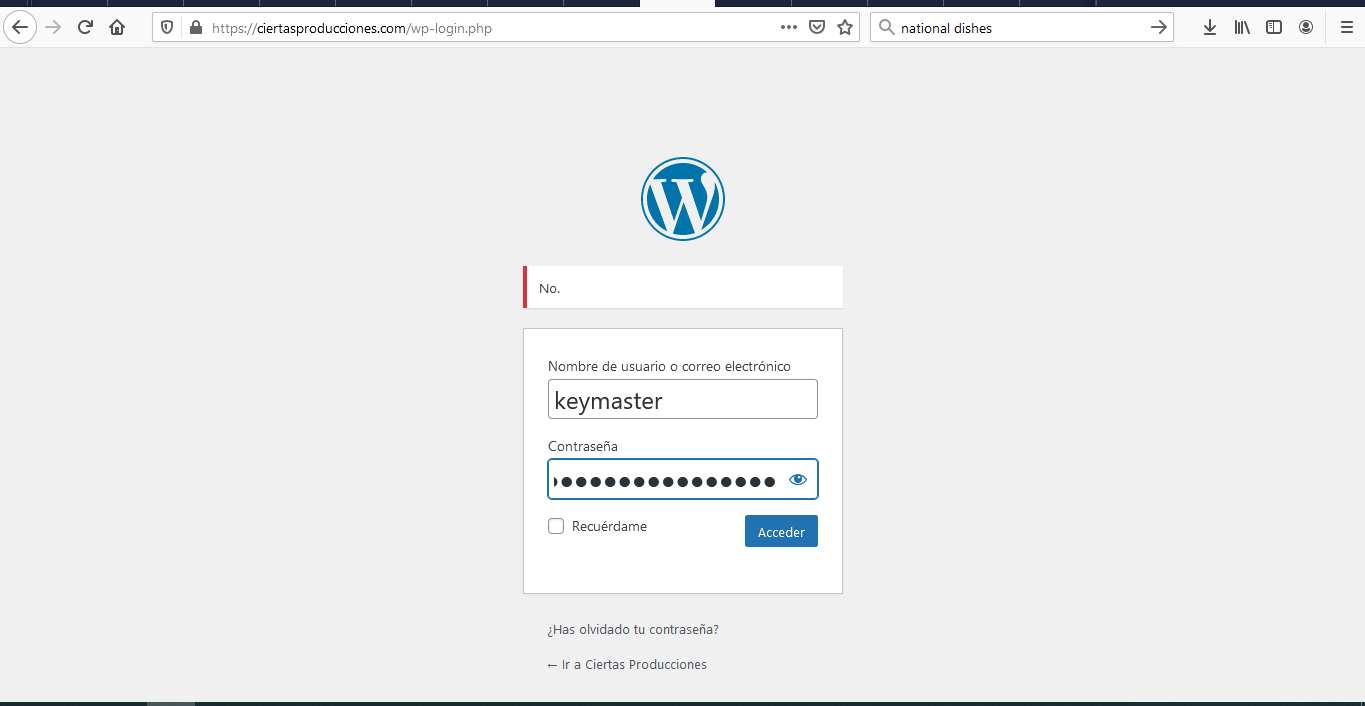

Its Strange Error coming with “NO”.
Can you please advise me back.
Thanks,
in reply to: Need help PleaseHi,
sure, Please share your wp-admin Login user/password, We are here to help you.Thanks,
in reply to: Can t Customize/Edit the siteHi,
Please share your Correct Login Credentials, Let me share a video this is how you can edit. May be you are trying something else.Mostly, we are active and Sunday we are Off – As we are already stated.
We are here and let me know and you will get prompt reply.
Thanks,
Hi,
This issue is not about the redux plugin or theme, It’s about the customization you have done in the child theme, If you activate the parent you see that your website looks fine. We recommend you don’t try to add custom code that conflicts with theme core functionalities.
For testing purpose, I activated the parent themePlease check and advise
Thanks,in reply to: Horizontal Scroll in Erzen doesn’t work@Sharmain
Hi,
1) Horizontal scroll, Please check and let me know.
2) In case elementor plugin got updated by some how and horizontal scroll not work, then go to Dashboard sidebar -> Elementor -> Tools -> Version Control -> select version 3.0.16 or below it -> click re-install.P.S: Don’t upgrade the elementor plugin
Thanks,