
-
-
Hi there,
I am having issues with getting the slider arrows within an individual portfolio piece to work in Google Chrome. Is there a way to link them so that they actually show the next/previous image when clicked?
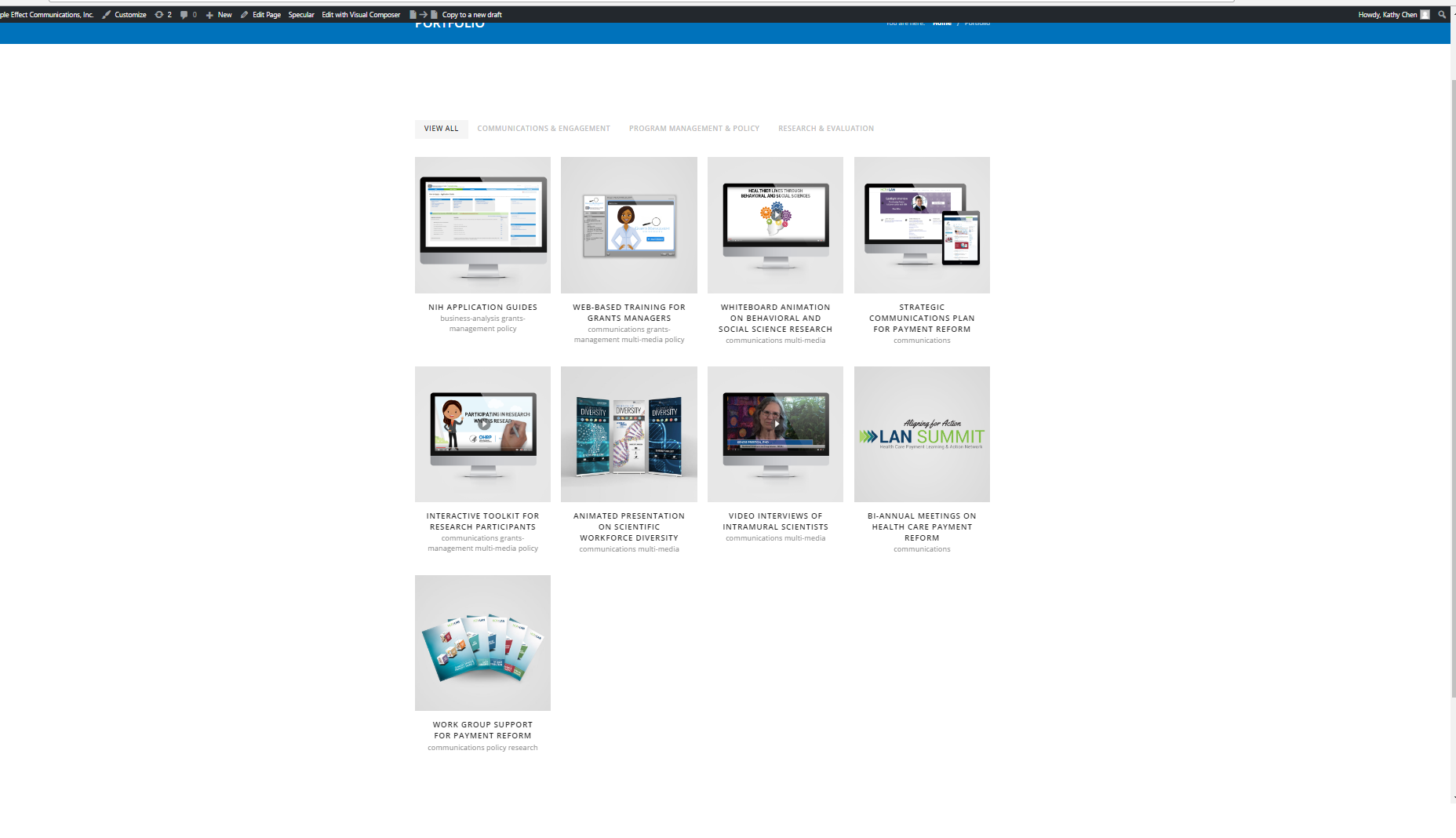
Additionally, when I publish a 10th portfolio piece, there are some odd spacing issues going on.
Before:

After (where the issue occurs)
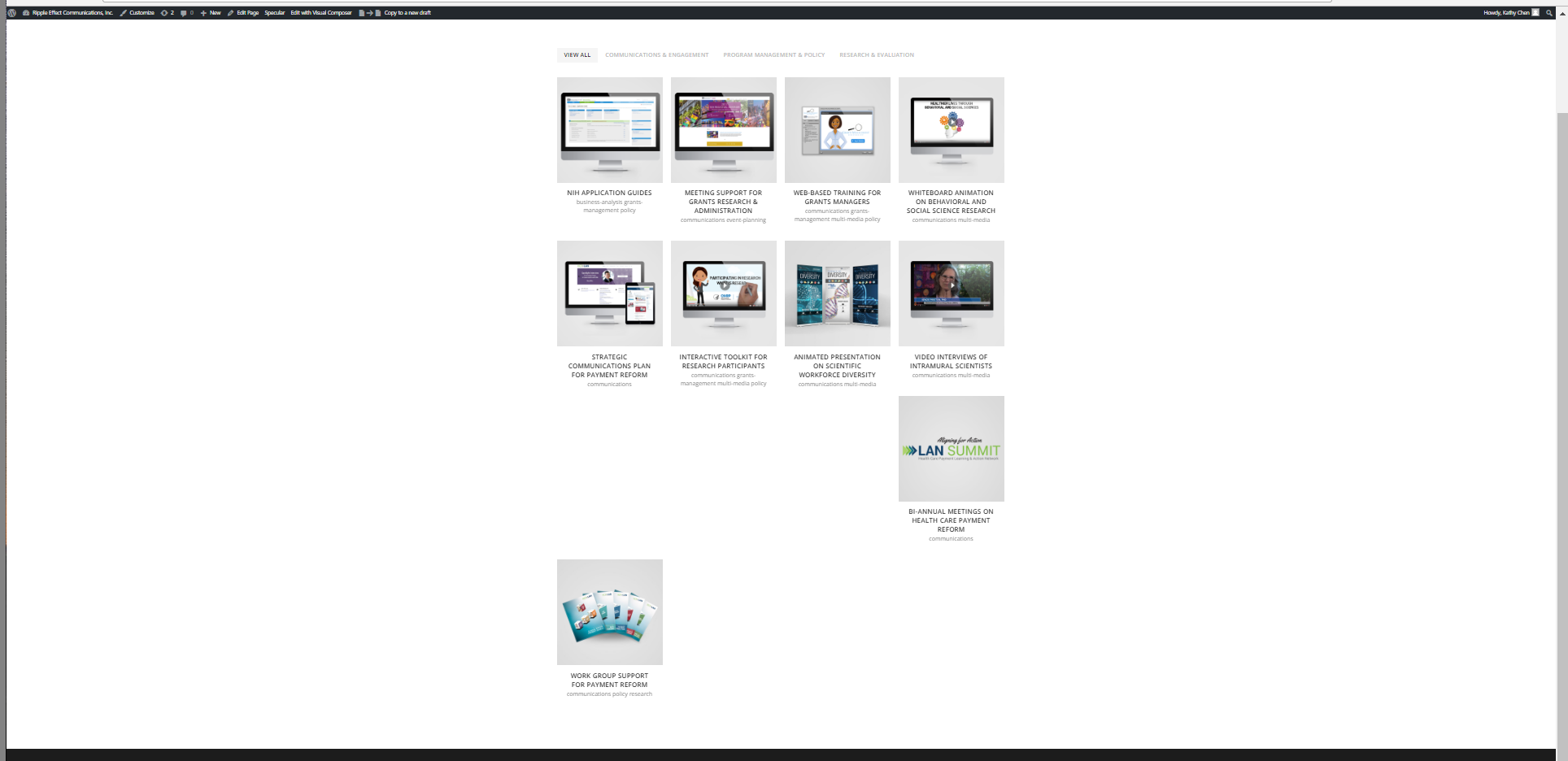

I have reviewed previous support topics and have tried adding a min-height in the custom CSS to no avail. What other suggestions do you have to fix this issue?
Thanks!!
-
This topic was modified 9 years, 8 months ago by
 Ripple_Effect. Reason: Browser specification
-
This topic was modified 9 years, 8 months ago by
-
Hello,
Can you please explain better? I opened your single portfolio item from chrome browser and the arrows do show up very well. See screenshot: https://pho.to/AcLBp
As for the portfolio page, in the same code we already gave you before, just increase the min-height value until there are no more spaces.
Let us know.Best regards!
-
Sure! The arrows do show up on Chrome, but do not work when you click on them. On Internet Explorer, the arrows actually work and toggle between the images. How do I ensure the arrows work on Chrome as well?
I’ll try increasing the min height some more.
Thanks!
-
Hello,
The sliders arrows do not have any issue on chrome. Please see this screen recording of your site: https://jmp.sh/12fMlRw
Let us know.
Best regards!
-



You must be logged in to reply to this topic.