Forum Replies Created
-
in reply to: Portfolio NULL
Hi Azam, How do I change the slug for portfolio category then? Or at least remove it.
Also, not sure if you saw my other reply to the menu issue. See below.
“Hi Azam, Still not showing. Again tried on different browsers, cleared cookies. If you see the issue as resolved, please share a print screen
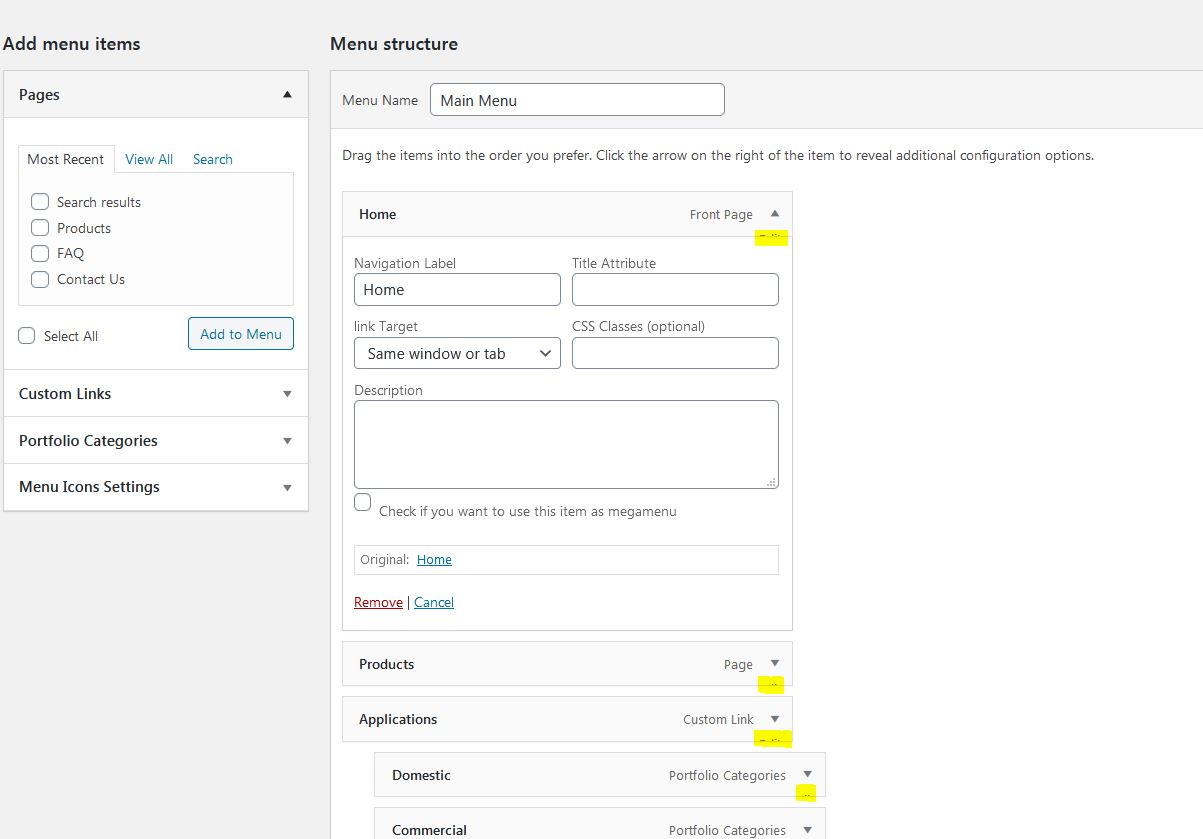
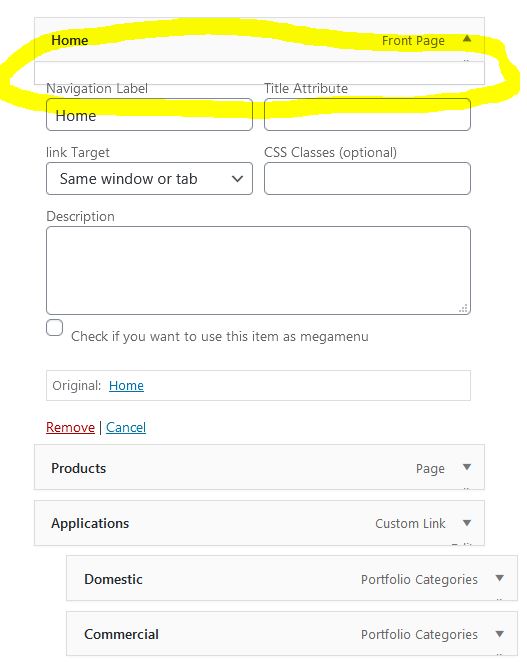
The Menu Image plugin should look like this: https://ps.w.org/menu-image/assets/screenshot-1.png?rev=1196220. I have installed the same plugin on other websites and it works just fine, so the issue is not the plugin
Instead, I do not see anything apart from the normal menu items. Plus the yellow highlighted looks like there is something hidden that should be there but it isn’t.
https://hardy-systems.com/wp-content/uploads/2020/09/Capture4.jpg”Thanks!
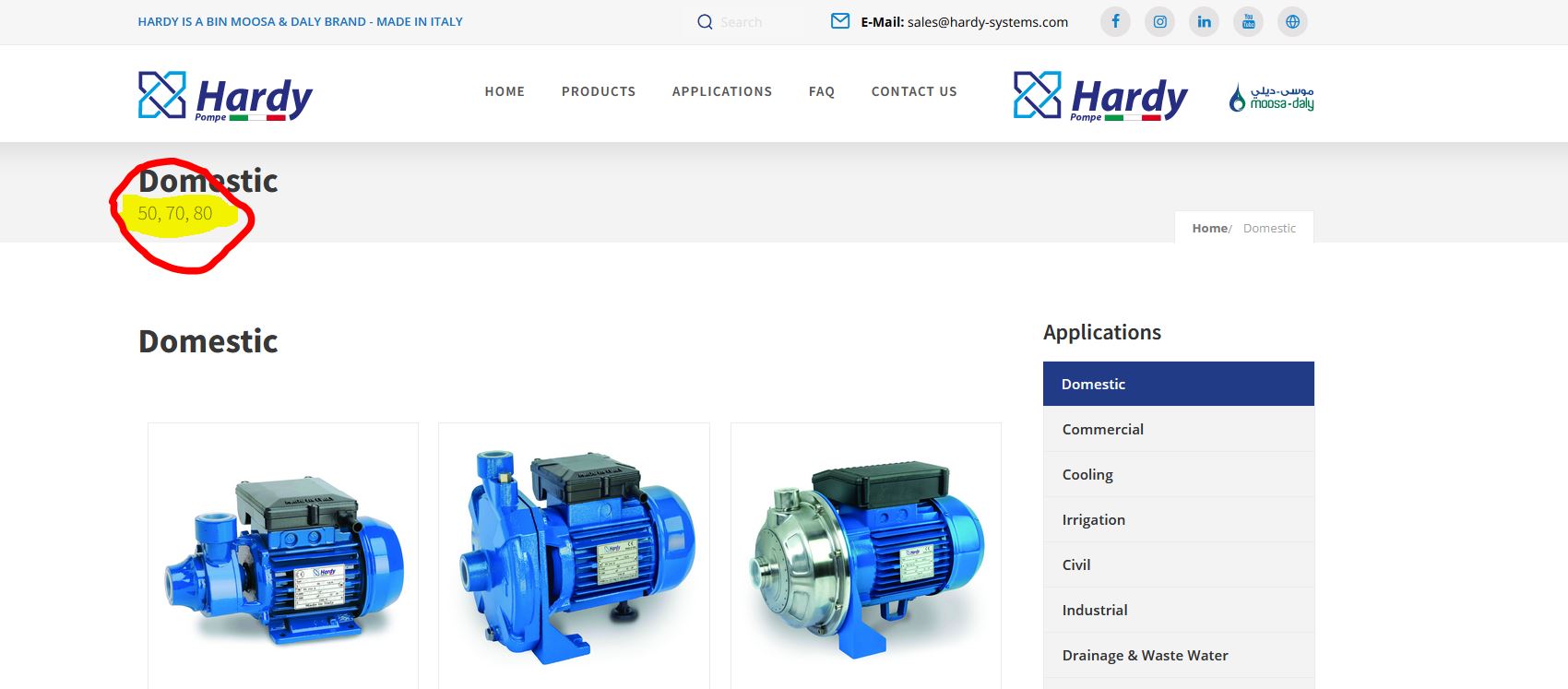
in reply to: Portfolio NULLThis is resolved, but the header shows a description that shouldn’t be there. See print screen below.
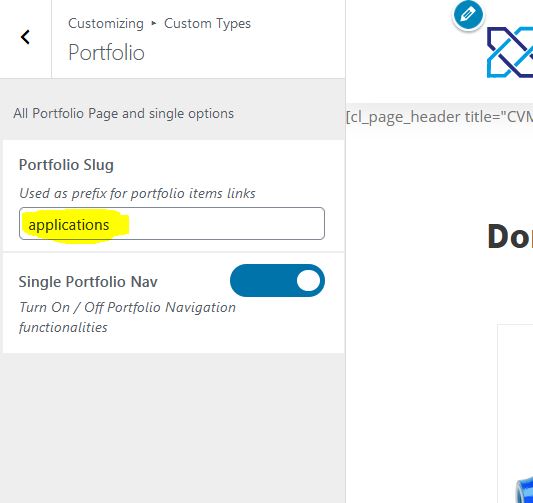
https://hardy-systems.com/wp-content/uploads/2020/09/Capture2.jpgAlso, I tried to change the slug of the portfolio_entries to “applications”, but it does not work. After marking the change, I did refresh the permalinks but nothing changed.
https://hardy-systems.com/wp-content/uploads/2020/09/Capture3.jpgin reply to: Portfolio NULLHi Azam, Still not showing. Again tried on different browsers, cleared cookies. If you see the issue as resolved, please share a print screen
The Menu Image plugin should look like this: https://ps.w.org/menu-image/assets/screenshot-1.png?rev=1196220. I have installed the same plugin on other website and it works just fine, so the issue is not the plugin
Instead, I do not see anything apart from the normal menu items. Plus the yellow highlighted looks like there is something hidden that should be there but it isn’t.
https://hardy-systems.com/wp-content/uploads/2020/09/Capture4.jpg-
This reply was modified 6 years ago by
 Alexa.
in reply to: Portfolio NULLHi Azam, sorry but it is still the same. Checked in 3 different browsers. Cleared all cookies and everything. On my dashboard it says that the theme recommends Codeless Visual Composer Backend.
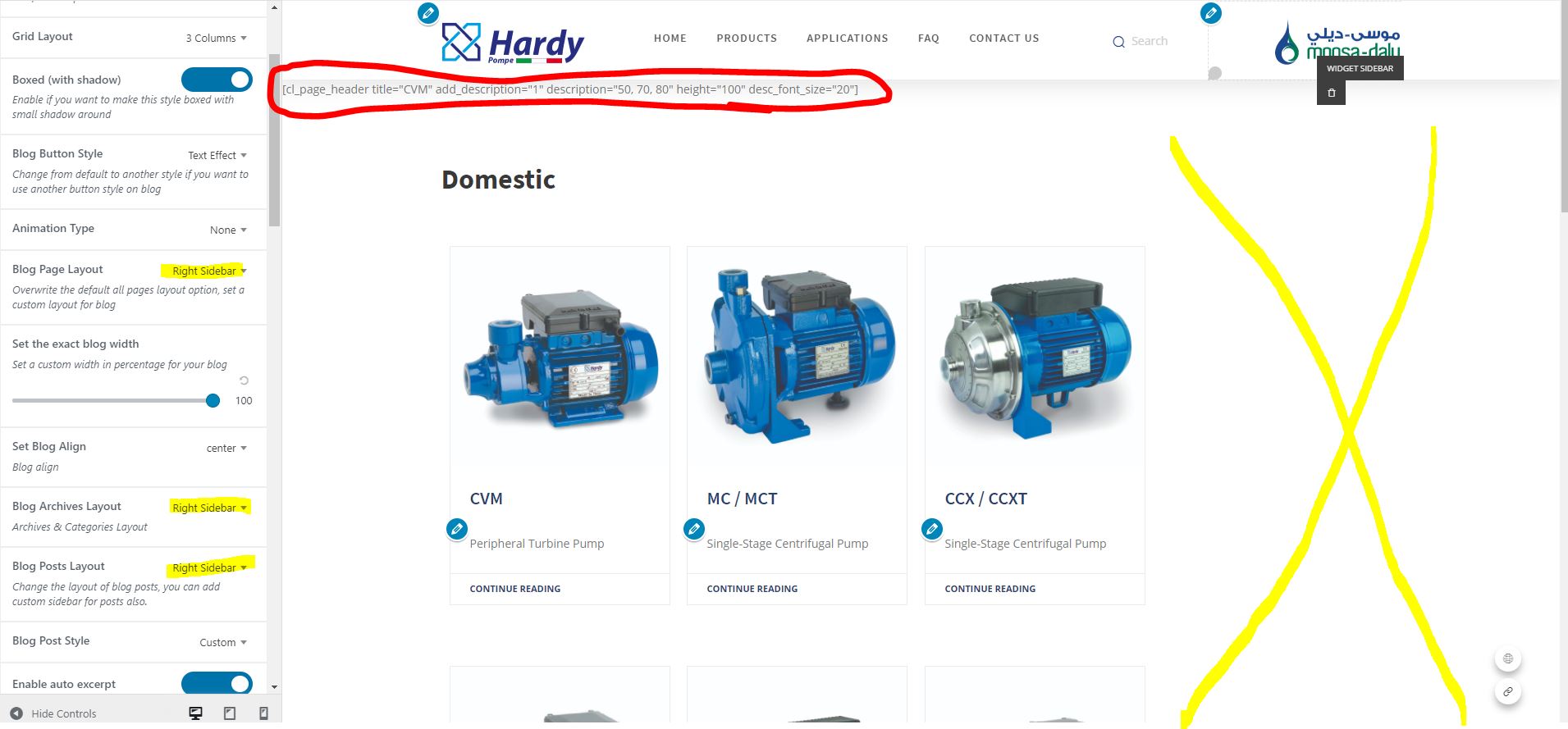
in reply to: Portfolio NULLAlso, I have an issue with the blog posts template customization. I select the template with a right sidebar, but the sidebar does not appear. Same thing with left or dual sidebar.
Another issue is that the portfolio category page (blog post) has a page header that shows the first portfolio item, not the name of the category. The page header should show the name of the category. Please see below print screen. Thank you!
https://hardy-systems.com/wp-content/uploads/2020/09/Capture1.jpg
in reply to: Portfolio NULLHi Azam. No, it is not resolved. It looks the same.
I have the menu image plugin installed and i cannot even see it.
https://hardy-systems.com/wp-content/uploads/2020/09/Capture.jpgin reply to: Portfolio NULLHi Azam, There is something weird in the menu options. Like something is missing or not showing fully. There is something wrong with codeless customs menu options. Kindly assist. Thanks!
in reply to: Portfolio NULLThank you, Azam. Managed to figure out something myself.
in reply to: Portfolio NULLDear team,
I apologize but I had an issue with the website and had to revert to an older version that does not have the fix for the portfolio NULL.
Enabled billing and now Gmaps is working fine.
Also, I would like to have the post_excerpt on hover in portfolio when I chose the with Excerpt module. Is that possible? Is there a way to add a sub-categories to the portfolio?
Thanks!
in reply to: Portfolio NULLThis reply has been marked as private.in reply to: Cannot Activate With Purchase CodeThis reply has been marked as private.in reply to: There is no RevSlider Plugin InstalledHi, i added the plugin as instructed and now i am getting a different error: Revolution Slider Error: Slider with alias home not found. This is because the theme sliders are not present. How can I get access to the pre-made sliders that come with the theme? Thanks!
in reply to: Cannot register my licenseThis reply has been marked as private. -
This reply was modified 6 years ago by