

Forum Replies Created
-
in reply to: Page loading wrong/seems broken
Here’s a video from WebPagetest showing the page loading wrong as mentioned before:
https://www.webpagetest.org/video/view.php?id=160615_X9_7Z5.1.0&embed=1&width=520&height=456
Any idea why this is happening?
Thanks.
in reply to: Extra, unwanted padding on rowsActually and unfortunately, I just loaded the website on another PC and it appears the problem has returned. Not sure what’s going on or why it’s happening.
Do you know what could be causing this? I attached a picture of what I see.
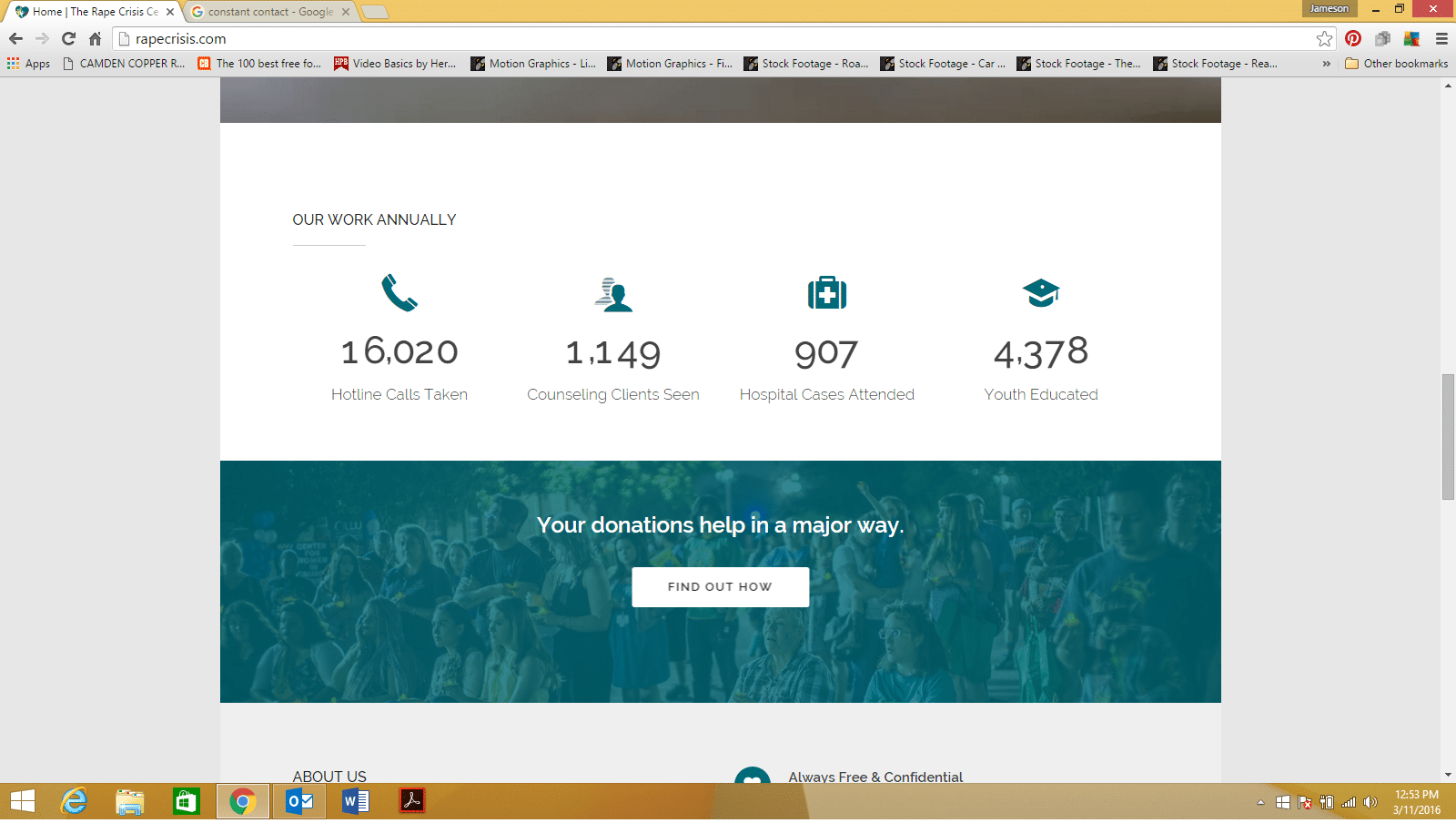

URL: rapecrisis.com
in reply to: Extra, unwanted padding on rowsNevermind :) I viewed the site on mobile and saw that the padding wasn’t there, so I resized my desktop browser and maximized it and the padding wasn’t there anymore. Reopened the browser and it looks back to normal. Weird!
Sorry about the false alarm!
in reply to: Responsive footer alignment not centeredGreat! I just readjusted the max-width and margin and it looks great:
@media (max-width: 480px){
footer#footer .inner .row-fluid.ff .span12:first-child:last-child .widget{
margin-left: 60px !important;
}}
Thanks for the quick reply!
in reply to: Blog page header reflecting latest post titleIsn’t that only for a single post page? I’ve tried it and it didn’t affect the title for the actual Blog page. I’m only interested in changing the title of the blog page.
in reply to: Blog page header reflecting latest post titleAlmost forgot, here is the URL to the page: https://rapecrisis.com/newsroom/press/
in reply to: New theme update – Visual Composer FIXIt seems the only way to update Visual Composer to 4.6.2 is through CodeCanyon, meaning we need to purchase and download the plugin in order to obtain the license key. Is this correct?
in reply to: VC Full Blog paginationThis reply has been marked as private.in reply to: VC Full Blog paginationHi!
I just updated the theme to the latest version, but unfortunately the page pagination on the full blog is still not working properly. Is there any way to fix this?
Respectfully,
JC
in reply to: Problem with bullet alignment in listsHi :)
Thanks for your efforts. I noticed the change, and it’s definitely a nice workaround. But my only problem is that it kind of only covers up the problem and leads to others.
For example, the width of the separator now has to be 35px. Across my site, I set them to 80px.
Secondly, any text used below the separator on a page with the code will get indented 35px.
So I see how how it definitely fixes the bullets issue, but the other issues make it not a good solution for me. I’m not sure why this issue is happening, but hopefully we can find a solution.
Thanks for your hard work thus far!
Respectfully,
JC
Unfortunately, that didn’t work. In fact, it restricted the container even more so :( I think it might have something to do with the actual theme stylesheet.
I’m not sure if it this problem stems from my own folly in the code, but I’d just like the container width to resize proportionally. The header and footer sections resize perfectly, but just zooming in and out on my browser causes the main body container section to minimize about 100px while the rest of the contents function normally.
I appreciate the help so far, though. If you’d like to test the issue on my site, the URL is https://108.167.189.31/~rcc7273/
Thanks!
in reply to: Problem with bullet alignment in listsThis reply has been marked as private.in reply to: Problem with bullet alignment in listsDo you think the cause is my browser? I’m on a Toshiba 15″ laptop using Google Chrome. The same view happens on another one of my laptop devices as well. Are y’all seeing the issue on the link I provided?
Here’s what I’m seeing:
[caption id="" align="alignnone" width="1600"]

 From my view.[/caption]in reply to: VC Full Blog paginationThis reply has been marked as private.in reply to: VC Full Blog paginationThis reply has been marked as private.
