Forum Replies Created
-
in reply to: Loading Screen Pop’s up
Hi,
1) & 3): Please check and let me know. All the content displaying between both ends of the screen. You can edit the section setting as you wanna adjust it on the screen. The space below the page is due to you selected the horizontal header instead of the vertical header. Due to horizontal header height, there’s some space below the page that leads it to scroll.
4) 5) & 6): Welcome!
7): Please check and let me know.
8): You can change it through
Project-folder > wp-content > plugins > cowidgets-elementor-addons > inc > widgets-manager > widgets > content > class-lana-slider.php > line# 310
OR
WP-admin dashboard > Appearance > Plugin Editor > cowidgets-elementor-addons > inc > widgets-manager > widgets > content > class-lana-slider.php > line# 310Thanks
in reply to: Content missing following migrationHi,
You are having this issue because many of the links in your DB are probably still set up as old site links. You’ll need to go to Elementor > Tools > Replace URL and update whatever your old site URL (i.e., http://example.com) is to the new site URL. Whatever your old site base URL is will go into the old URL field and, obviously, the new address in the new URL field.If the problem remains presist please share your old site URL, FTP info for the old site (if available) and send me using private reply.
Thanks,
Hi,
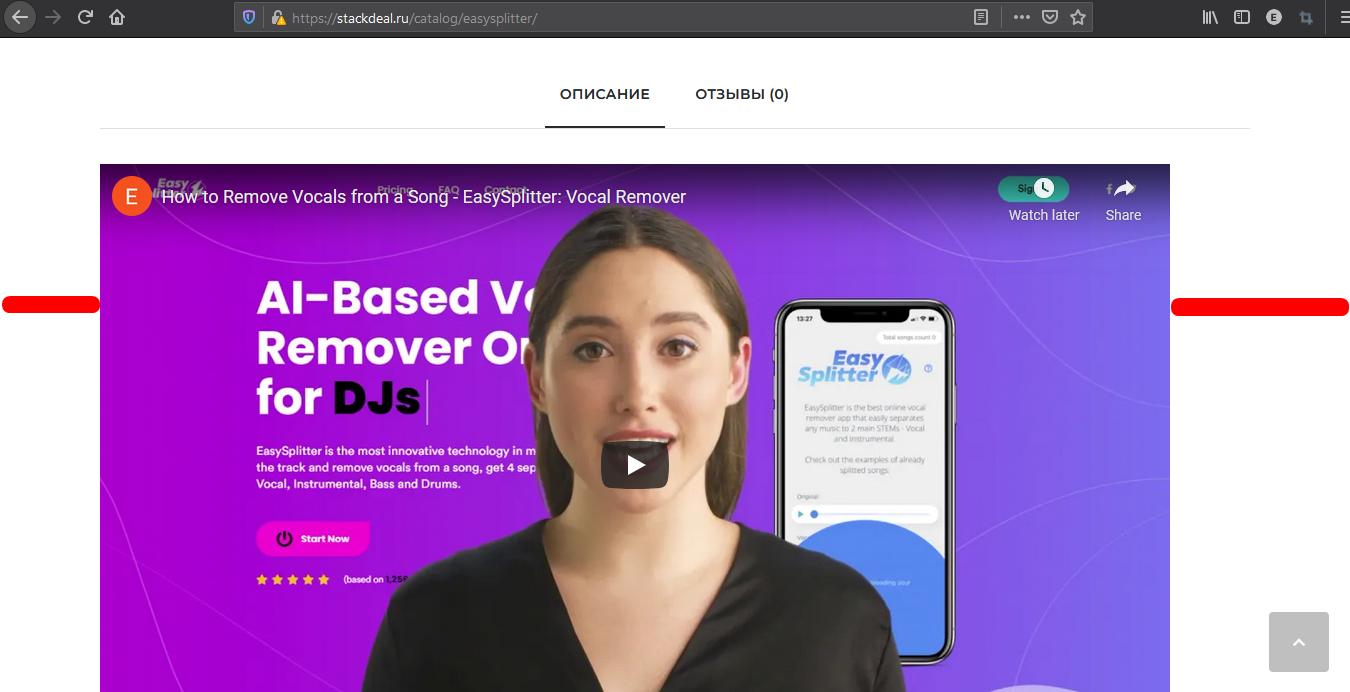
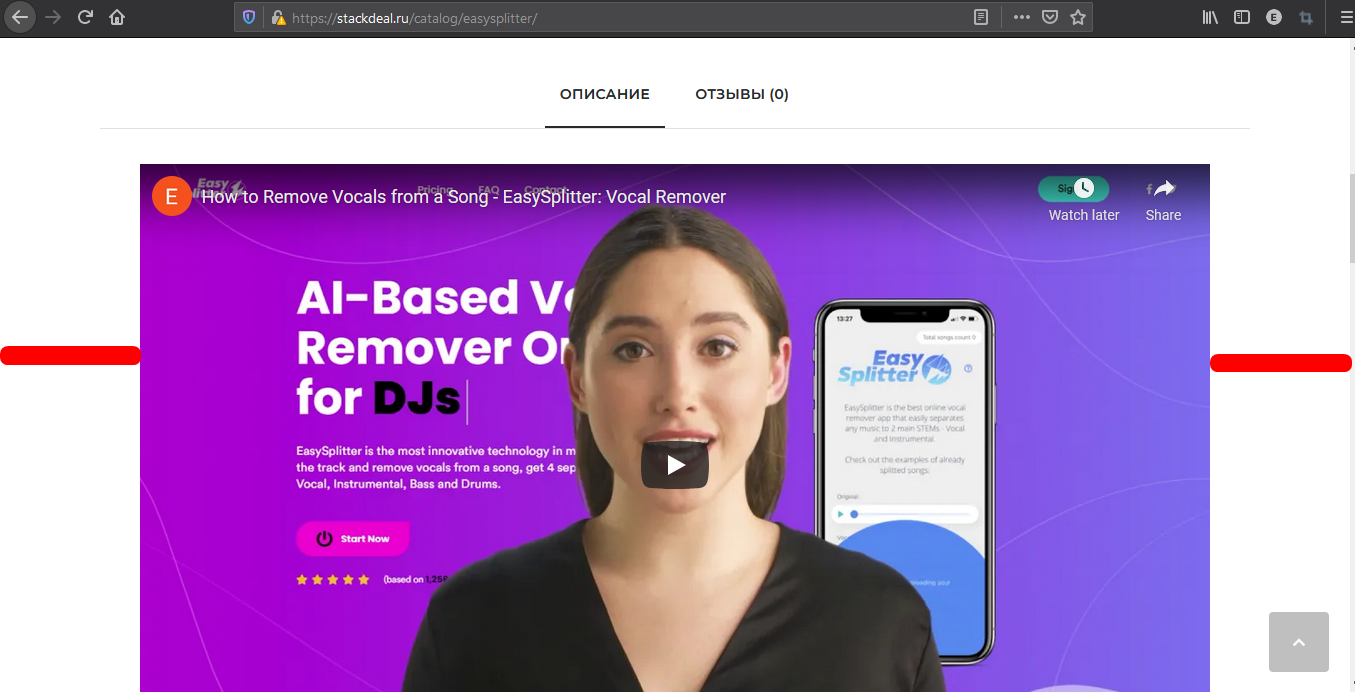
It looks like that, the video is centered and working perfectly on the product page. Moreover, in the screenshot, it looks that you’re seeing video inside the editor, not on the webpage. Please check the video on the webpage and let me know.
Take a look at this: Before centered Image and After centered Image .Thanks,
in reply to: A problem with Shop page LOAD MORE buttonHi,
Please check and let me know.Thanks,
in reply to: Remake Theme IssueHi,
Please check and let me know.Thanks,
in reply to: Link blank social footerHi,
Please check and let me knowThanks,
in reply to: Translate the template .POTHi,
Please check and let me knowThanks,
Hi,
Please try to use following:
iframe {
display: flex;
}For example here https://stackdeal.ru/catalog/easysplitter/ this one was also not centered aligned before.
Please check and advise,
Thanks,in reply to: upgrade issueHi,
Please check and let me know.Thanks,
in reply to: Element template Bakery not workHi,
It seems that your Codeless Page Builder working fine on our end. Moreover, the page doesn’t go blank and also changes can be made through it on the home page. Follow the steps if the problem persists:
1) Clear your browser cache.
2) Change your browser
3) Change your device for testing purposes
4) Send us a video or screenshotsFor icons, there are hundreds of icons available in Codeless Page Builder. All you need to do is to add an icon widget, select your icon, apply styles, and done. Your icon is ready to display.
Take a look at Test Page.Please advice
Thanks,